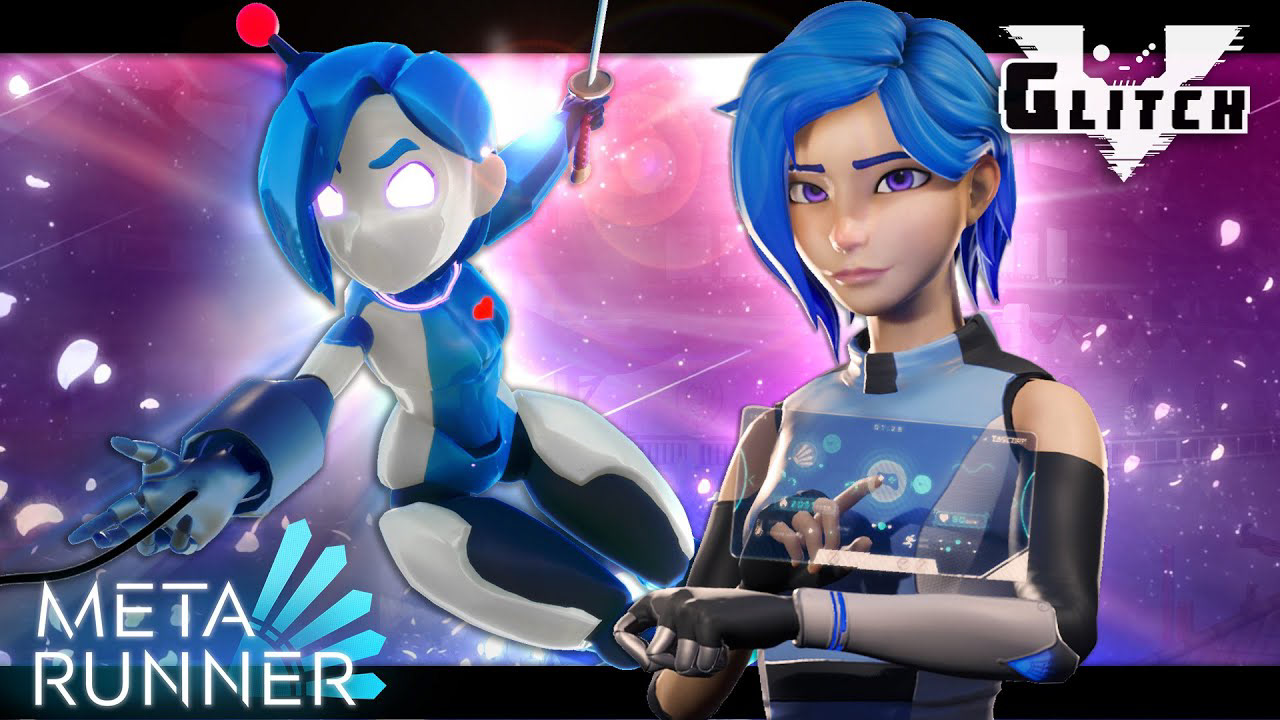
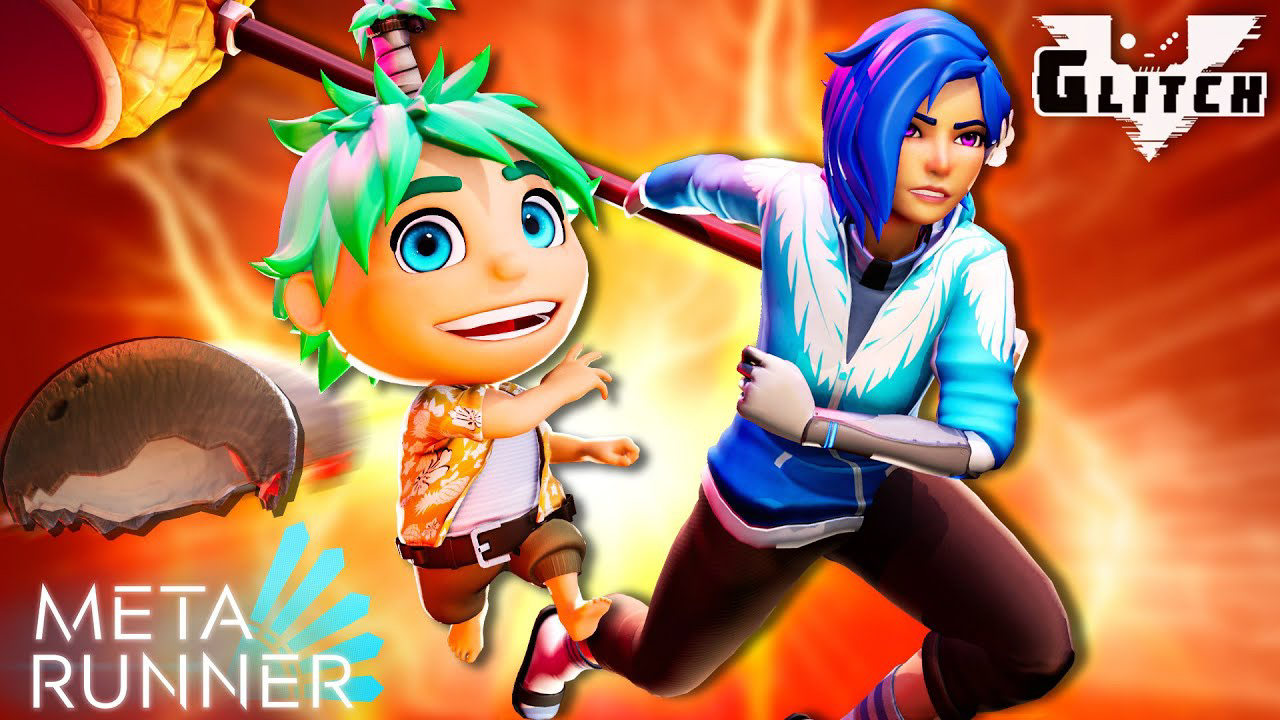
Meta Runner Season 2 was a fast-paced animated YouTube series that needed thumbnails capable of selling story. character, tension, and spectacle instantly. For this project, I created episodic thumbnail artwork by posing characters in Unreal Engine 4, designing lighting setups, exporting rendered compositions, and finishing each image in Photoshop for clarity, contrast, brand consistency, and click-through impact.
CLIENT / STUDIO
Glitch Productions
PROJECT
Glitch Productions
ROLE
Thumbnail artist, Unreal Engine staging, lighting, Photoshop compositing
DELIVERABLES
Episodic YouTube thumbnails, promotional key art, series movie cut artwork
FOCUS
Thumbnail artist, Unreal Engine staging, lighting, Photoshop compositing
TOOLS
Unreal Engine 4, Adobe Photoshop
THE CHALLENGE
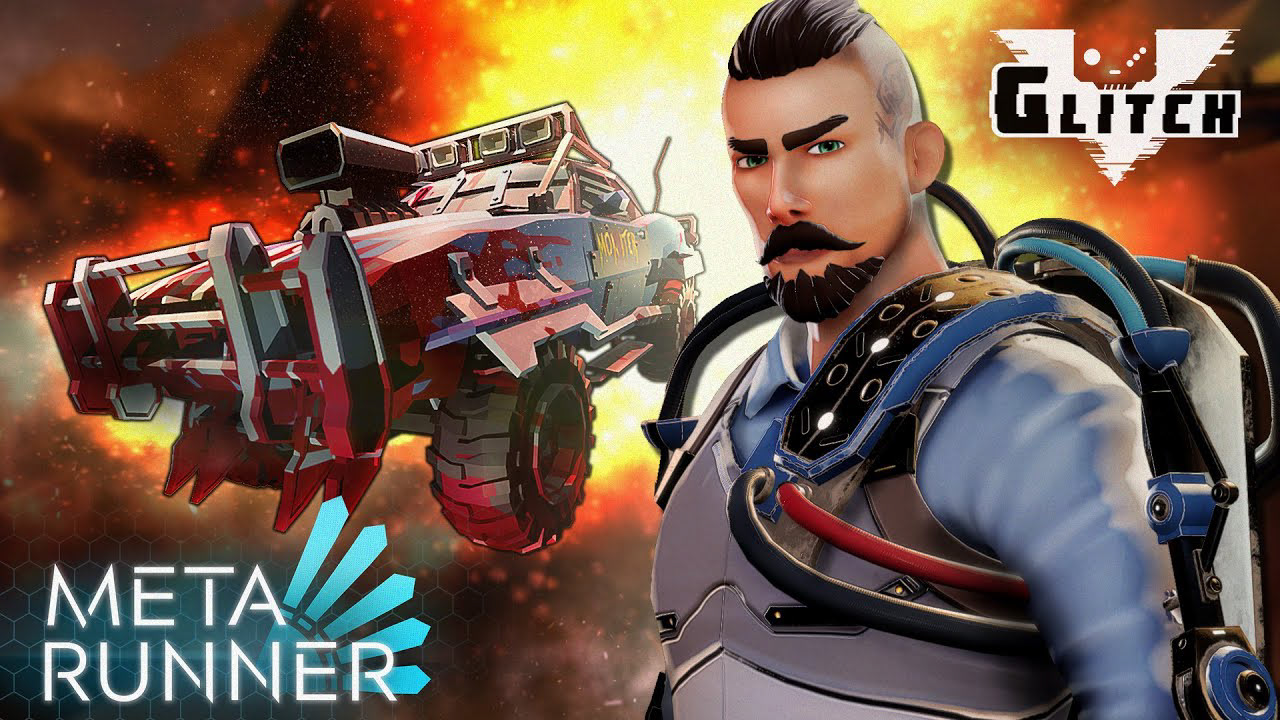
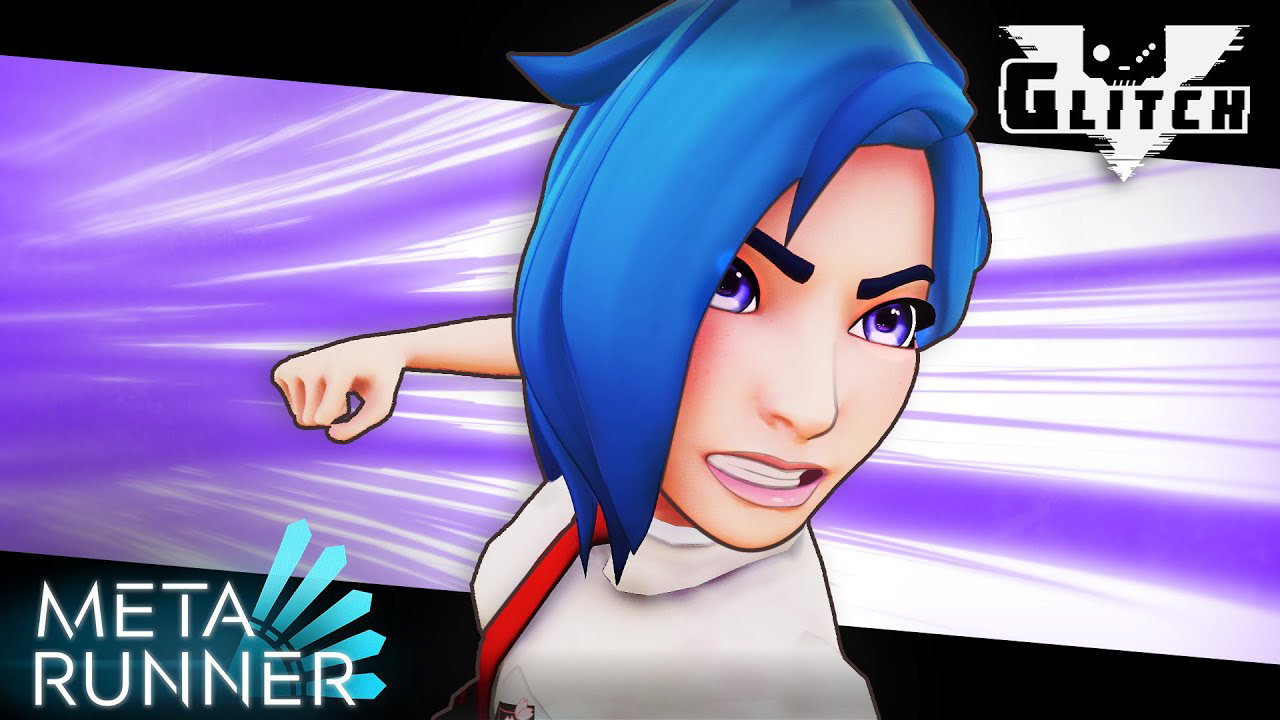
The challenge was to create thumbnails that felt cinematic. energetic, and instantly readable at YouTube size. Each episode needed to feel distinct while still belonging to the same visual system: bold character posing, strong colour contrast, dramatic lighting, clear emotional stakes, and consistent Meta Runner / Glitch branding.
THE PROCESS
Rather than relying on flat screenshots, I treated each thumbnail like a miniature key art piece. I staged characters inside Unreal Engine 4, adjusted camera angles and lighting to support the opisode's tone, then refined the final image in Photoshop with colour grading, contrast. atmosphere. logo placement, and composition cleanup.
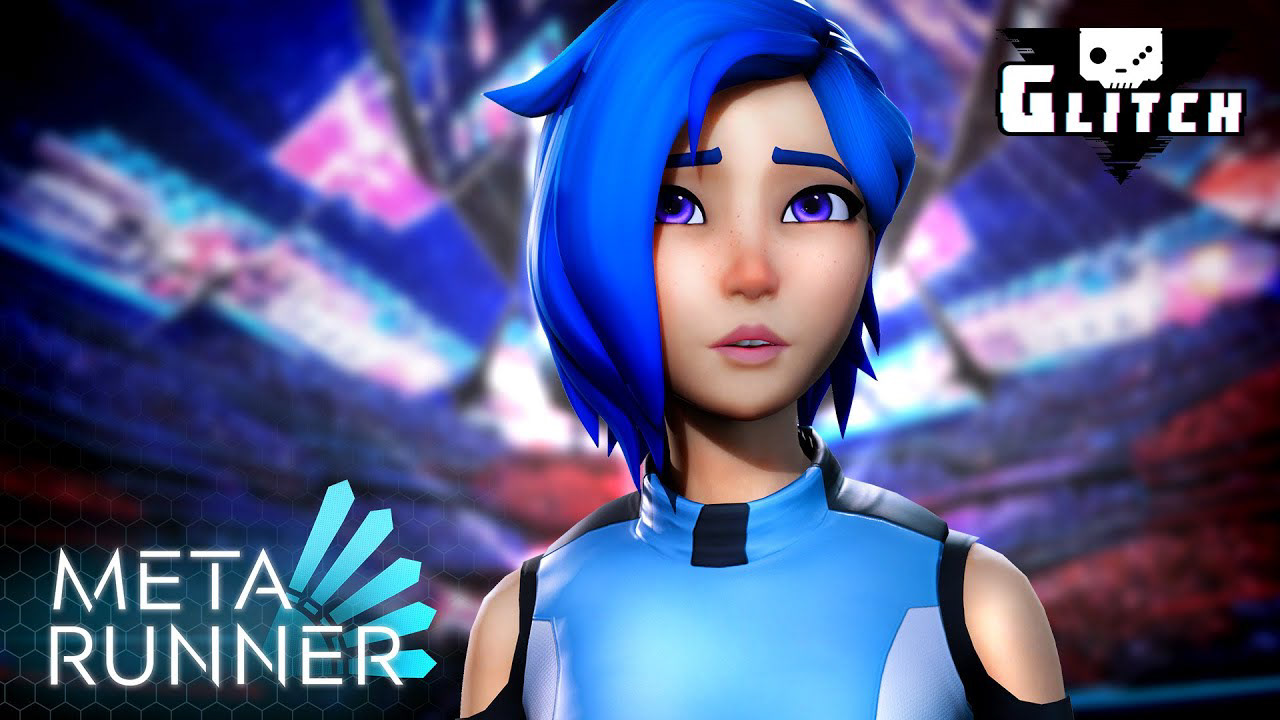
FEATURED BREAKDOWN: EPISODE 9 - NIGHTMARE MODE
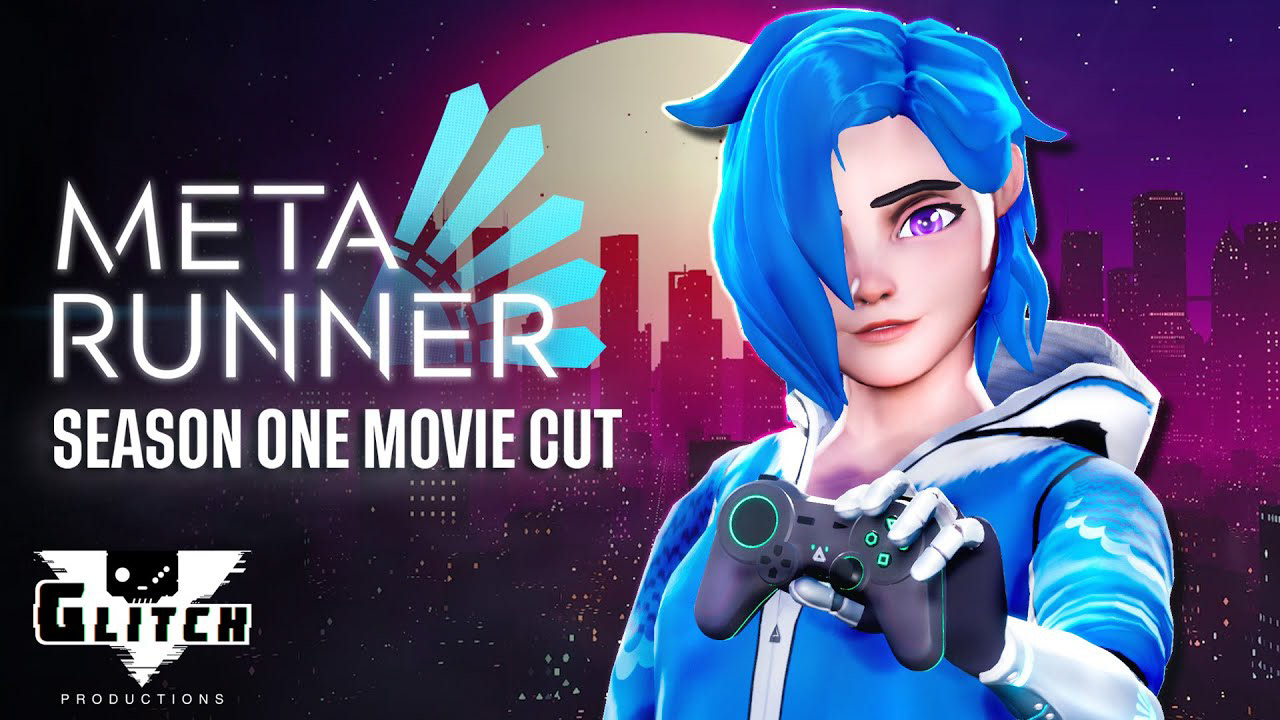
For Episode 9, the thumbnail needed to communicate vulnerability and tension immediately. I kept the character large in frame, simplified the background into a blurred neon environment, and used the lighting to pull attention directly to the face. The expression, eye direction, and colour contrast do most of the storytelling, while the background supports the world without competing with the subject.
Step 1: Narrative Hook
Each thumbnail started with the episode’s main emotional or action hook. The goal was to quickly identify what the viewer should understand first: danger, conflict, character tension, comedy, spectacle, or mystery.
Step 2: Character Posing in Unreal Engine 4
Using Unreal Engine 4, I staged characters like virtual actors: adjusting pose, expression, body angle, camera position, and silhouette so the image would read clearly even at small sizes.
Step 3: Lighting and Camera
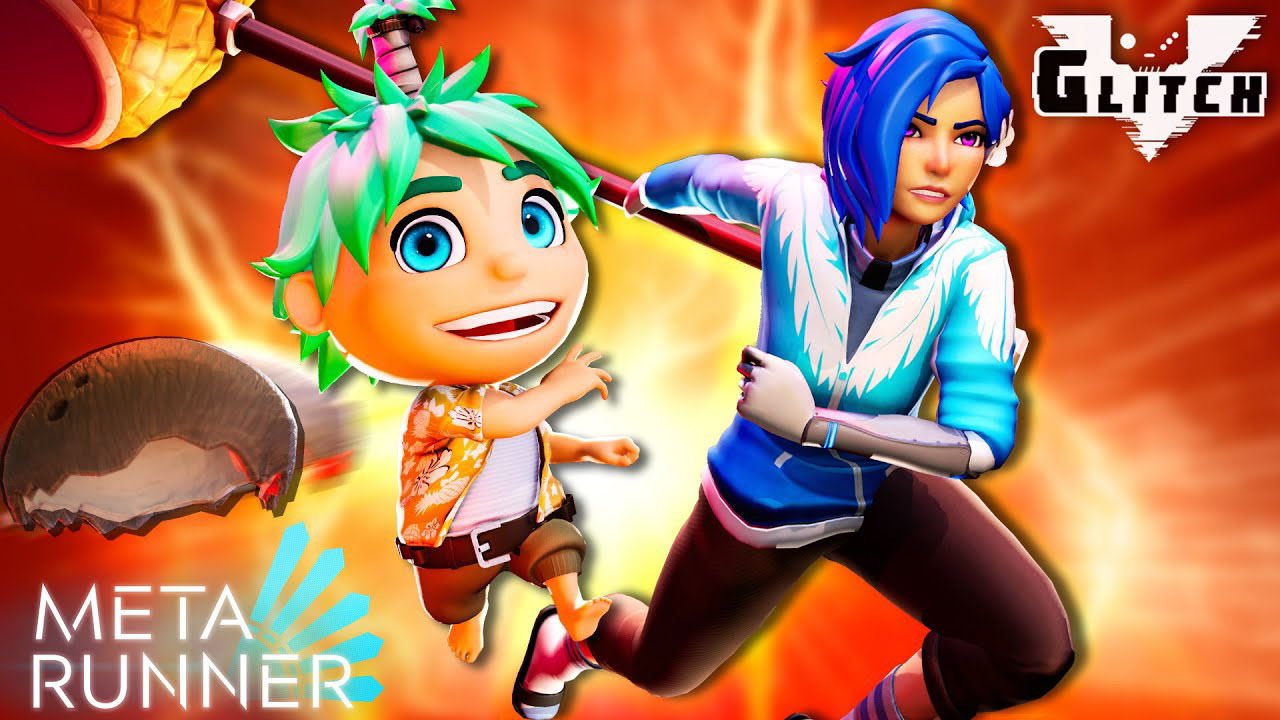
Lighting was used to create instant mood and hierarchy. Cool blues, neon purples, hot oranges, and high-contrast rim lights helped separate characters from busy backgrounds and gave each episode a distinct visual tone.
Step 4: Photoshop Finishing
After exporting from Unreal Engine, I finished each thumbnail in Photoshop: strengthening contrast, refining colour, balancing logos, adding atmosphere, cleaning edges, and making sure the final artwork worked as both a full-size image and a small YouTube preview.
EPISODIC THUMBNAIL SYSTEM
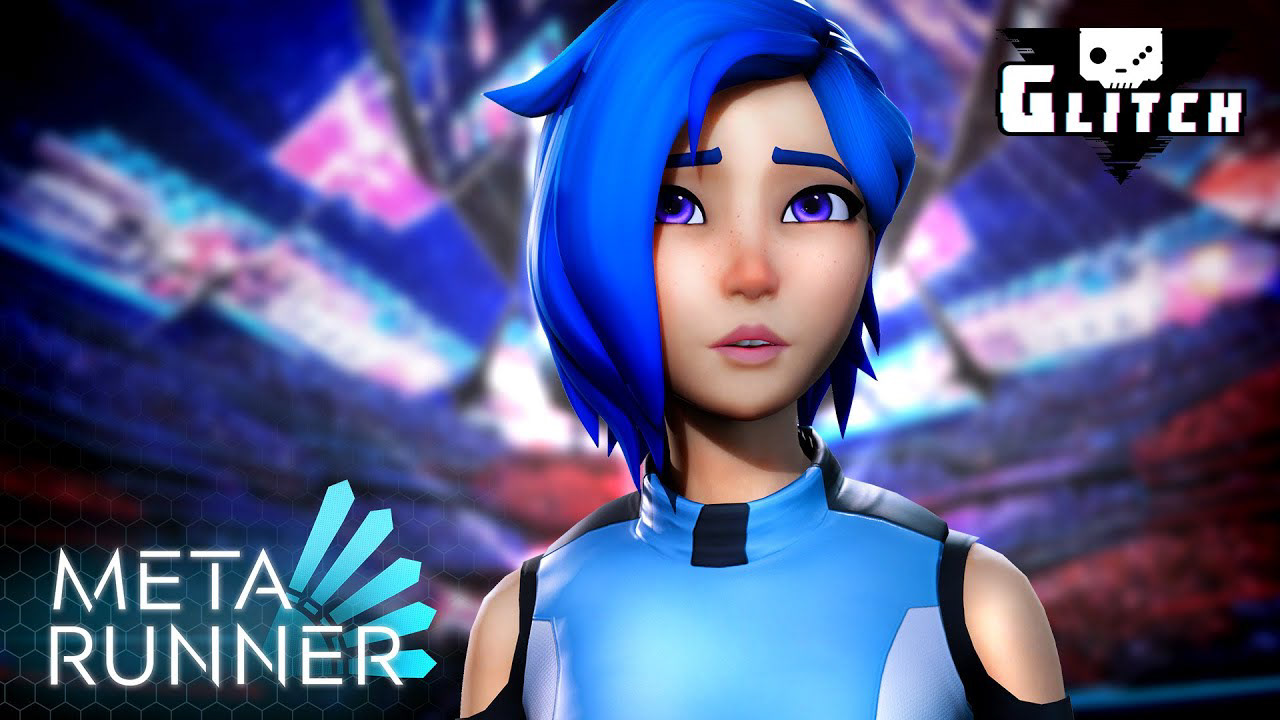
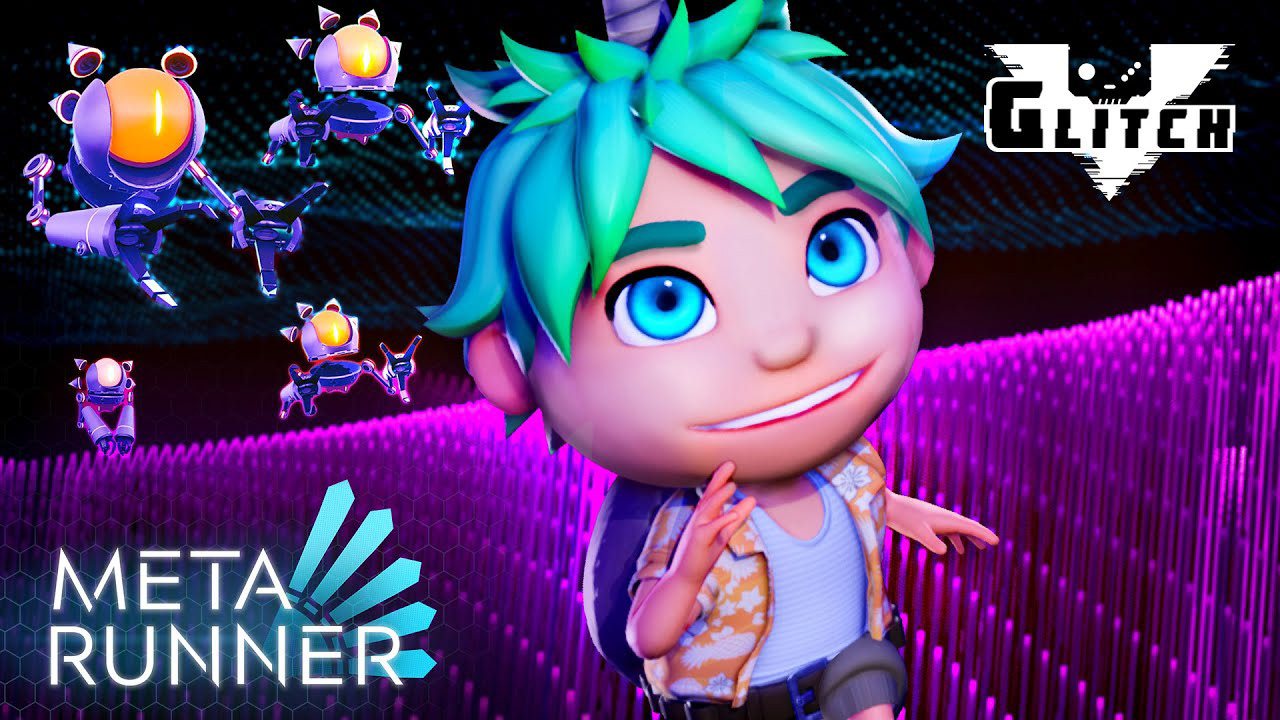
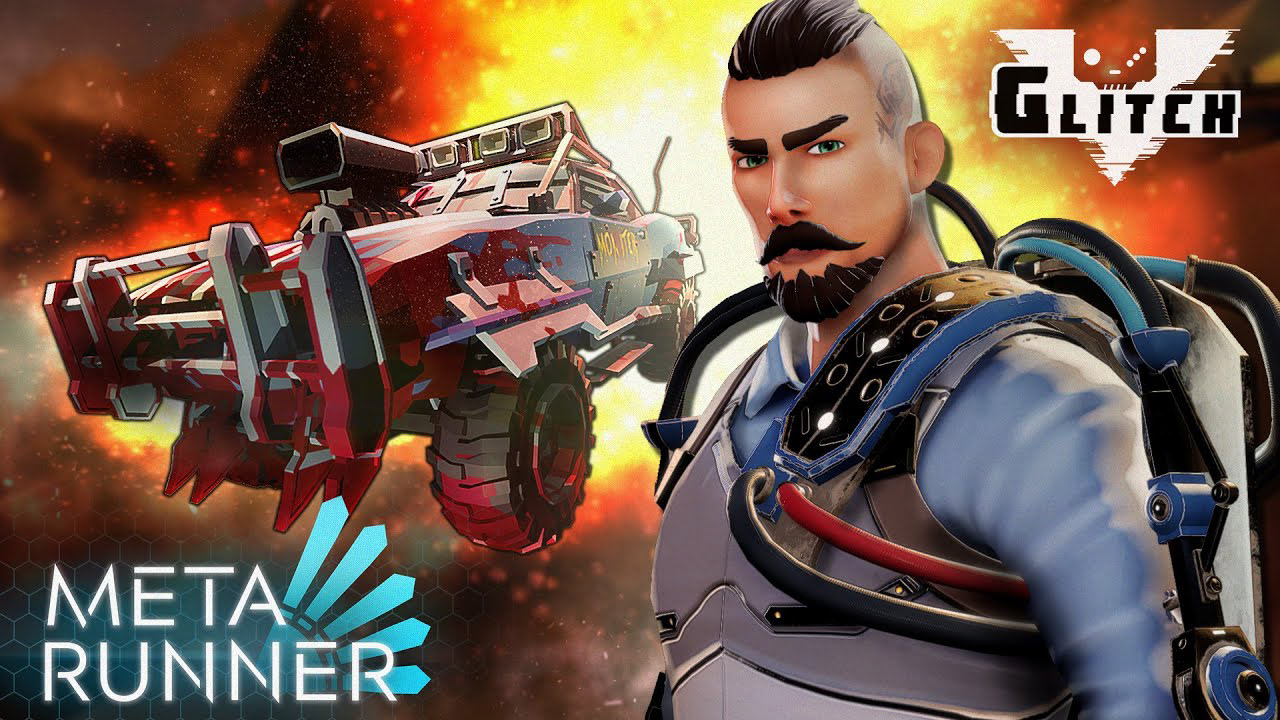
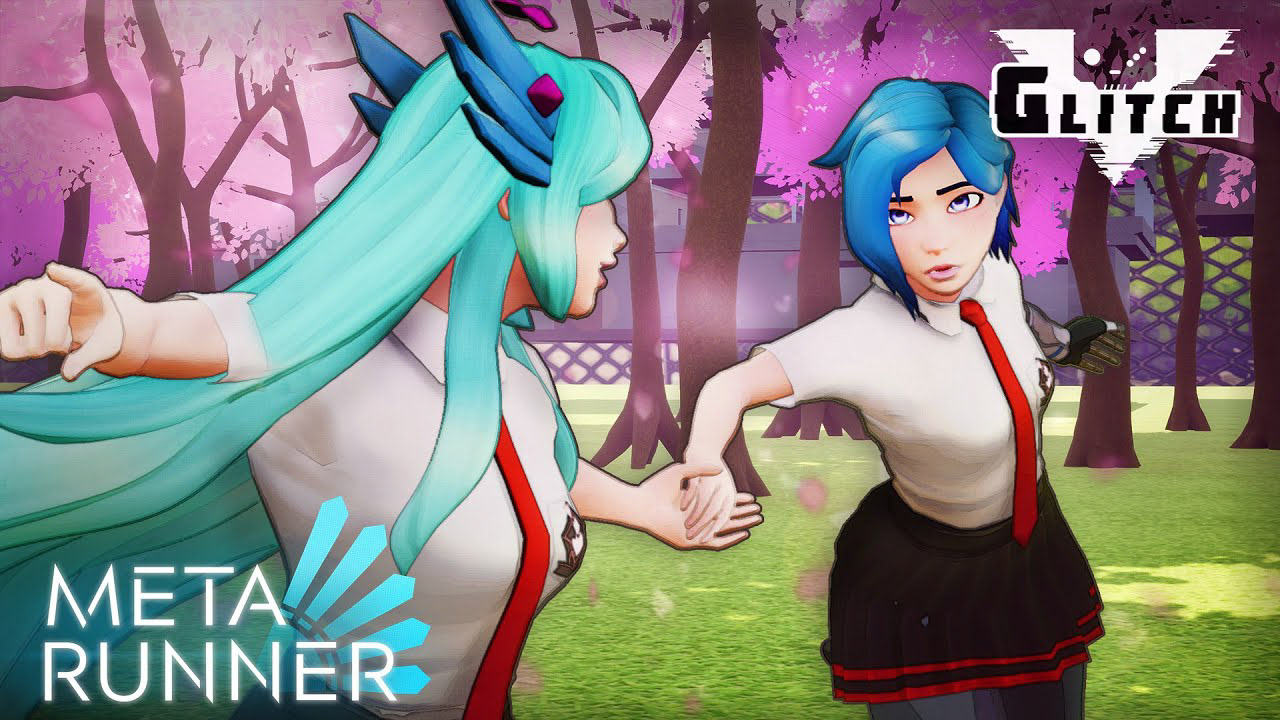
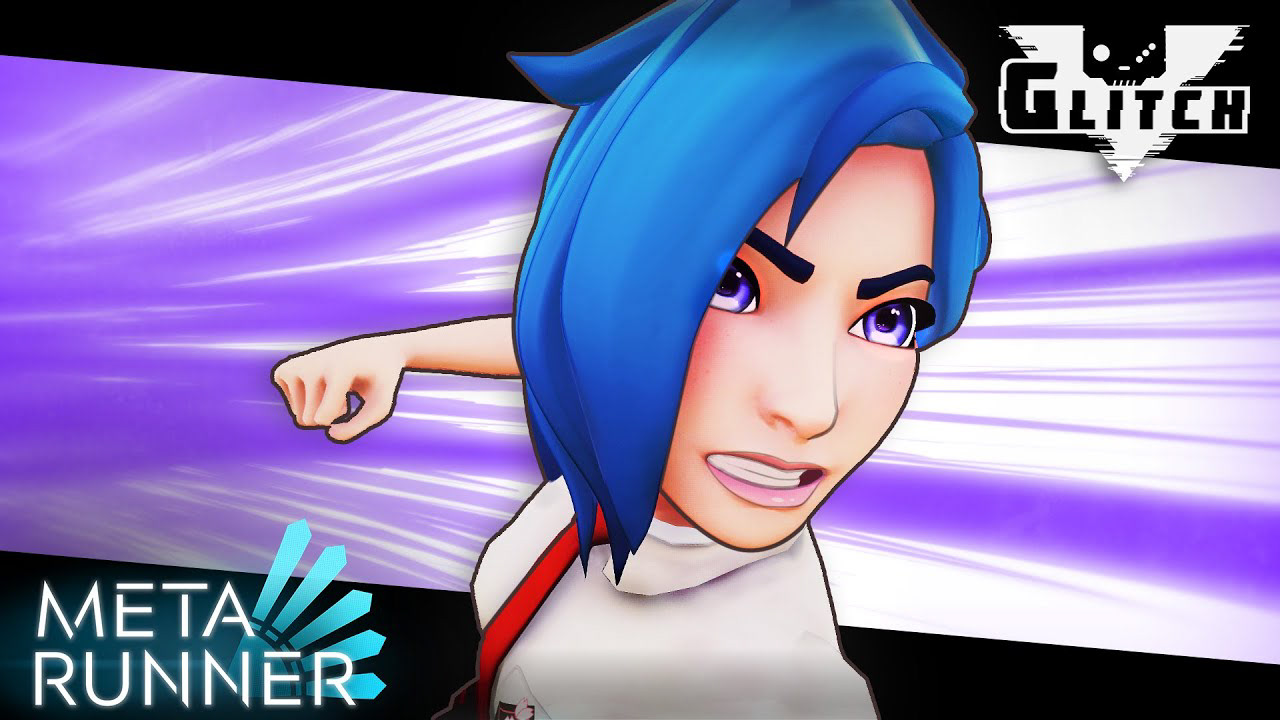
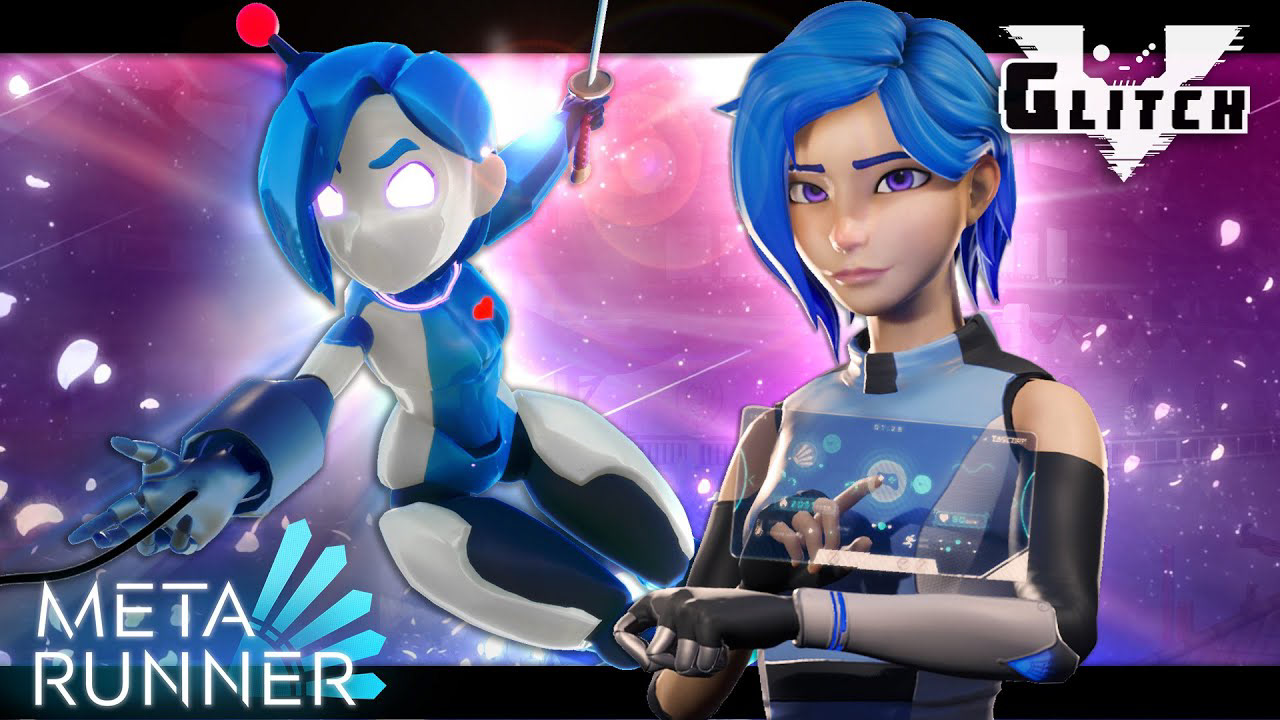
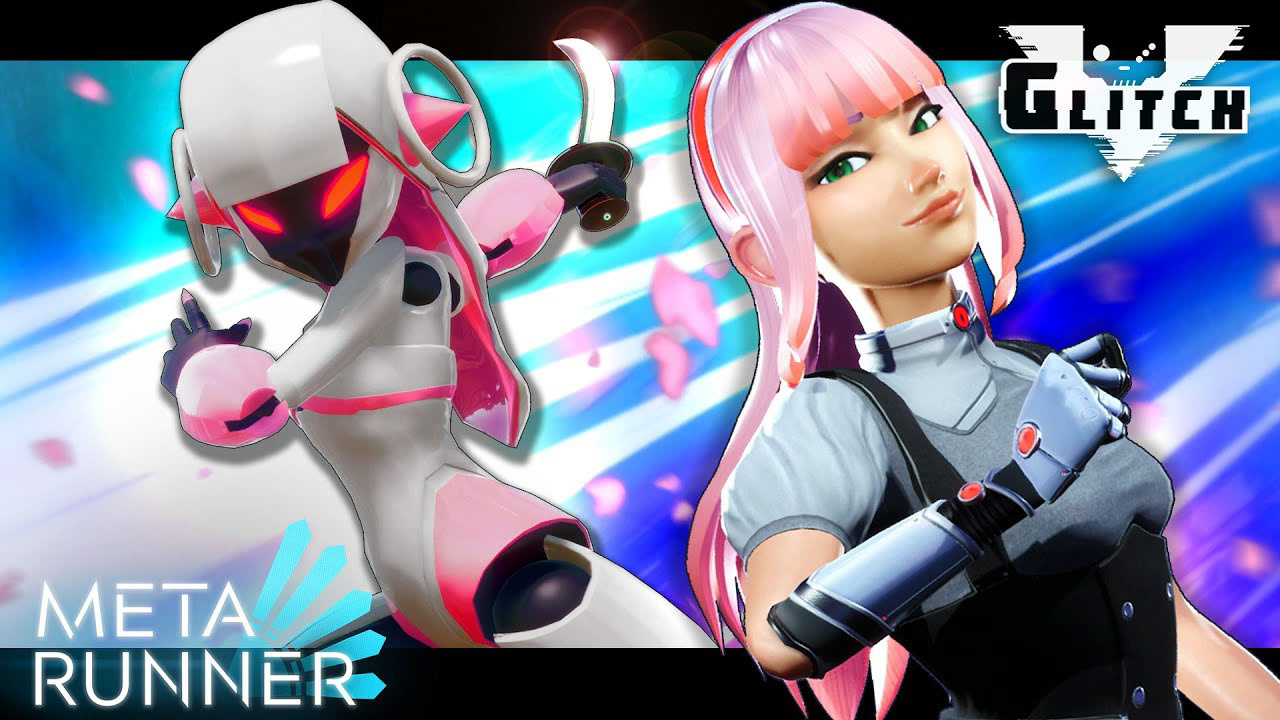
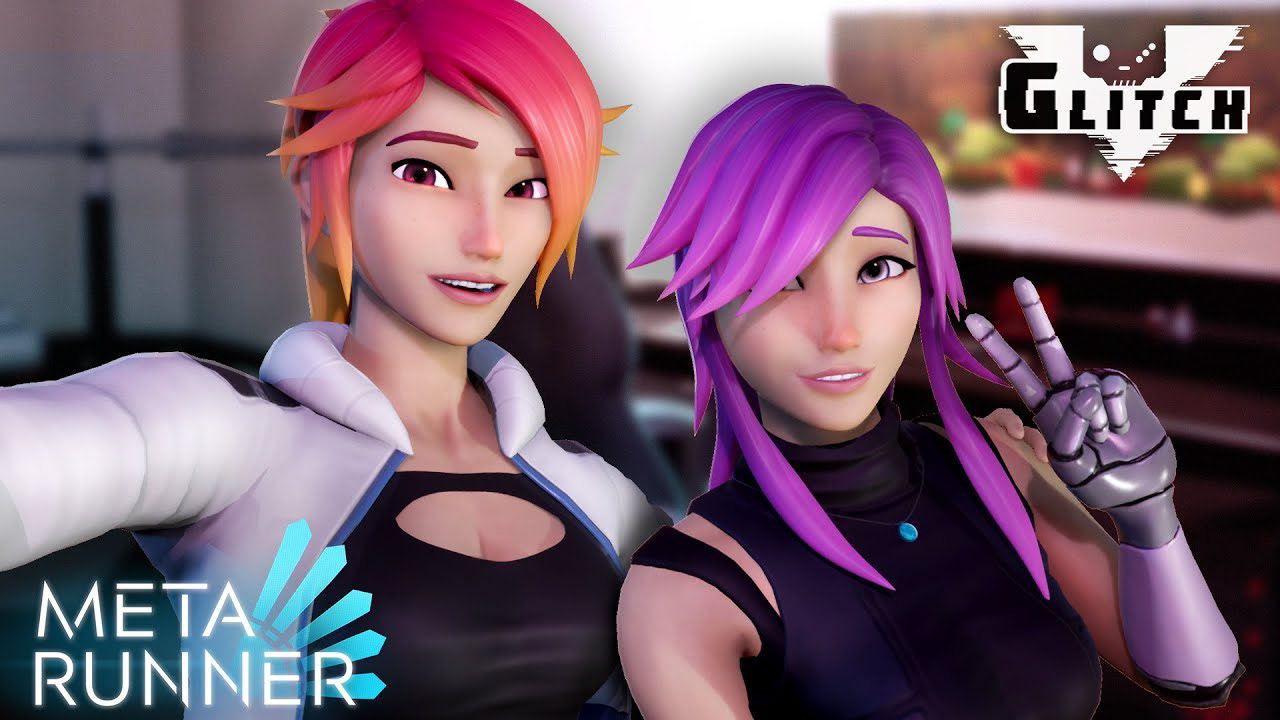
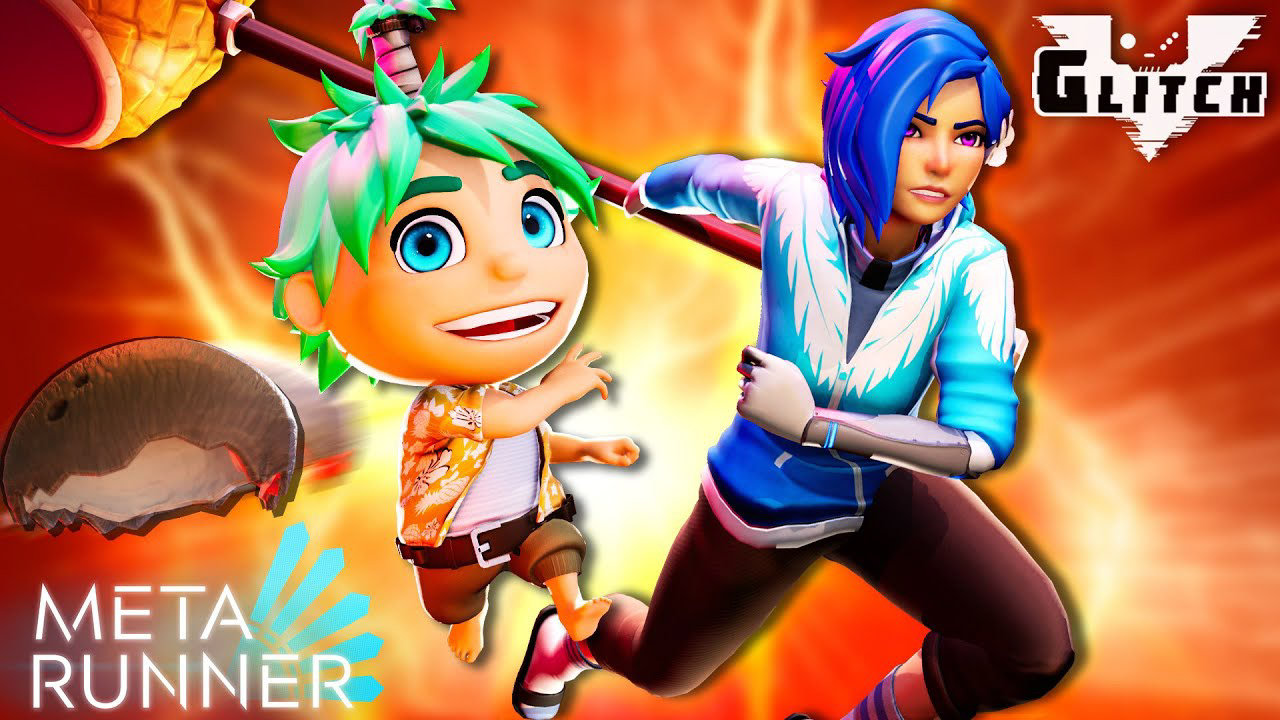
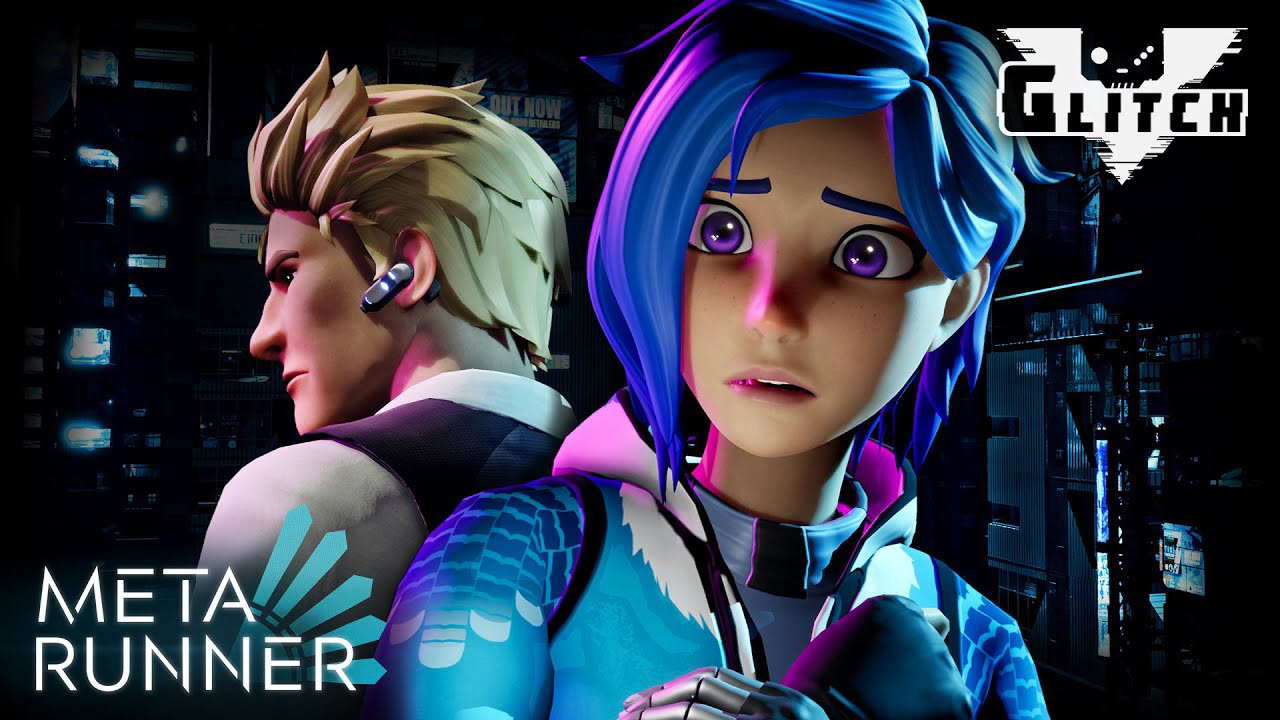
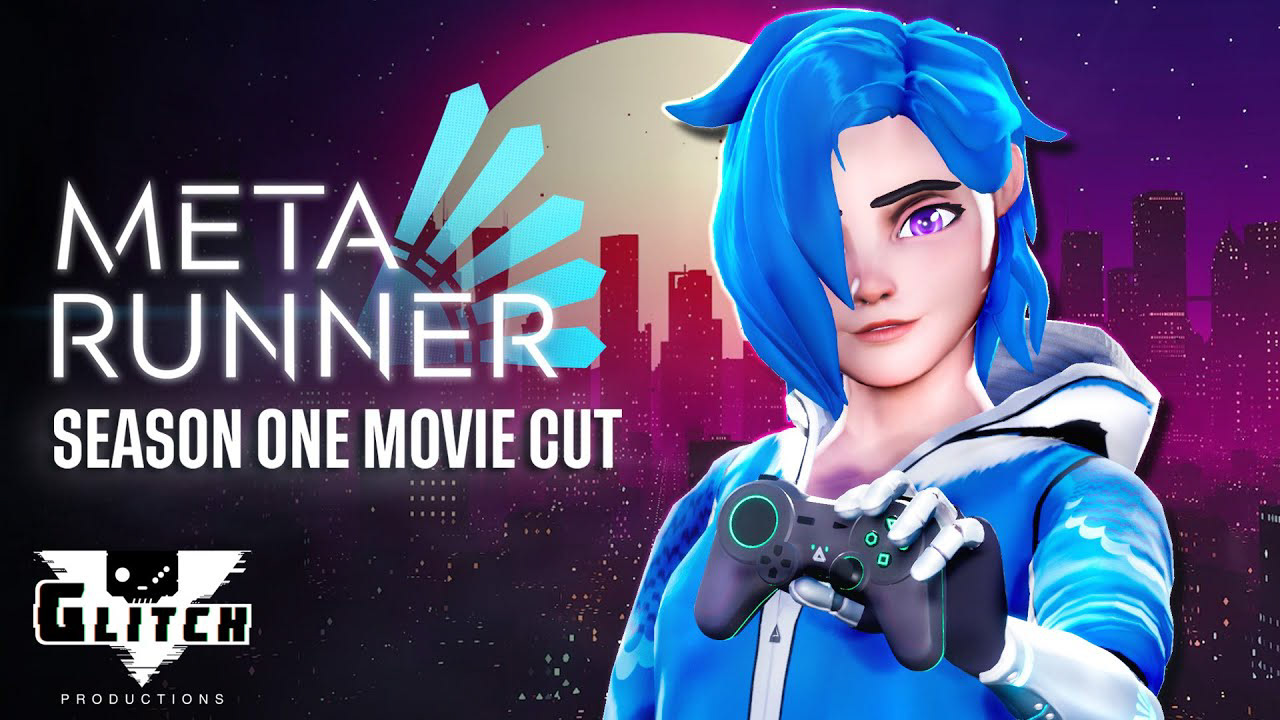
What This Project Shows
This project demonstrates my ability to work across design, cinematic composition, and production tools. I was not simply arranging flat assets. I was building thumbnail images from staged 3D scenes, making creative decisions around pose, lighting, camera, emotion, brand placement, and final image polish.
The result was a consistent set of episodic YouTube thumbnails that supported the series identity while giving each episode its own visual hook.
Skills shown
Unreal Engine staging / Character posing / Virtual cinematography / Thumbnail strategy / Photoshop compositing / Lighting direction / Colour grading / YouTube visual hierarchy / Entertainment branding
outcome
The final thumbnail set created a consistent visual identity across the season while allowing each episode to feel distinct. The work combined production assets, virtual staging, cinematic lighting, and graphic design principles to create promotional artwork built for fast recognition, emotional clarity, and platform performance.